
SoloGuard
Safety Check-In for Solo Living
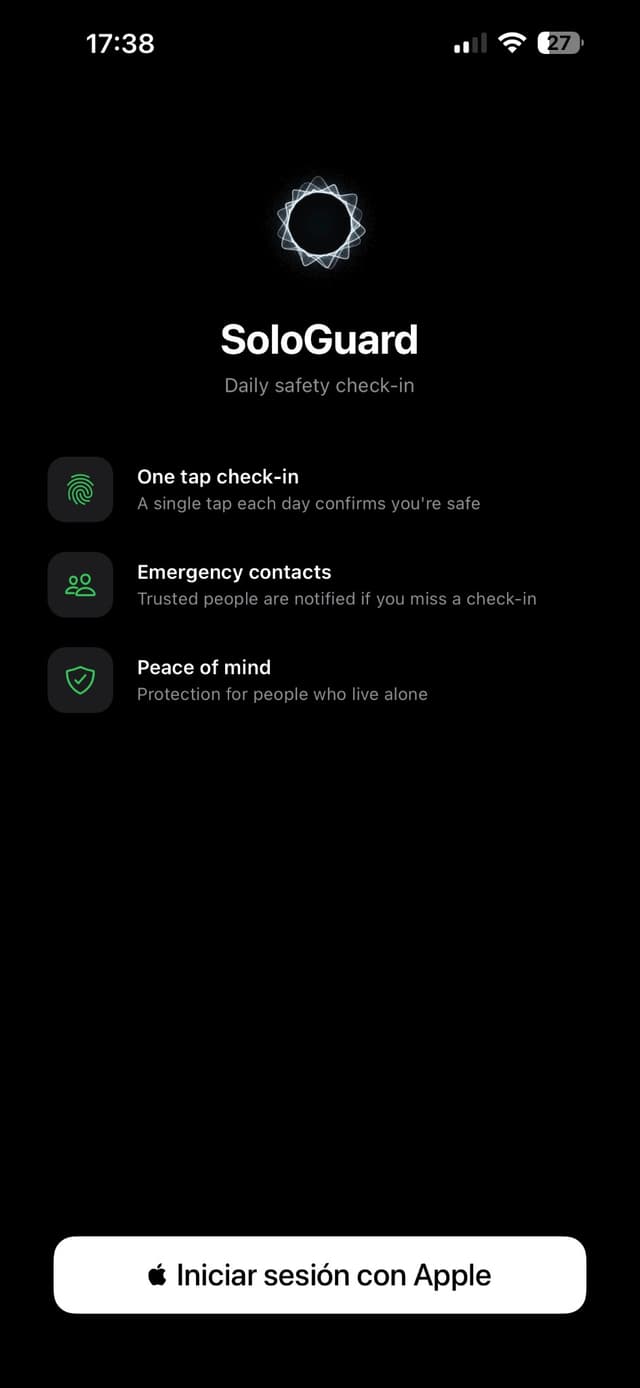
With just one tap per day, let your trusted contacts know you're okay. If you miss your check-in, SoloGuard automatically alerts your emergency contacts — no action needed on their part.

Simple safety, one tap
Everything you need for a daily safety check-in — no complexity, no location tracking, no social features.
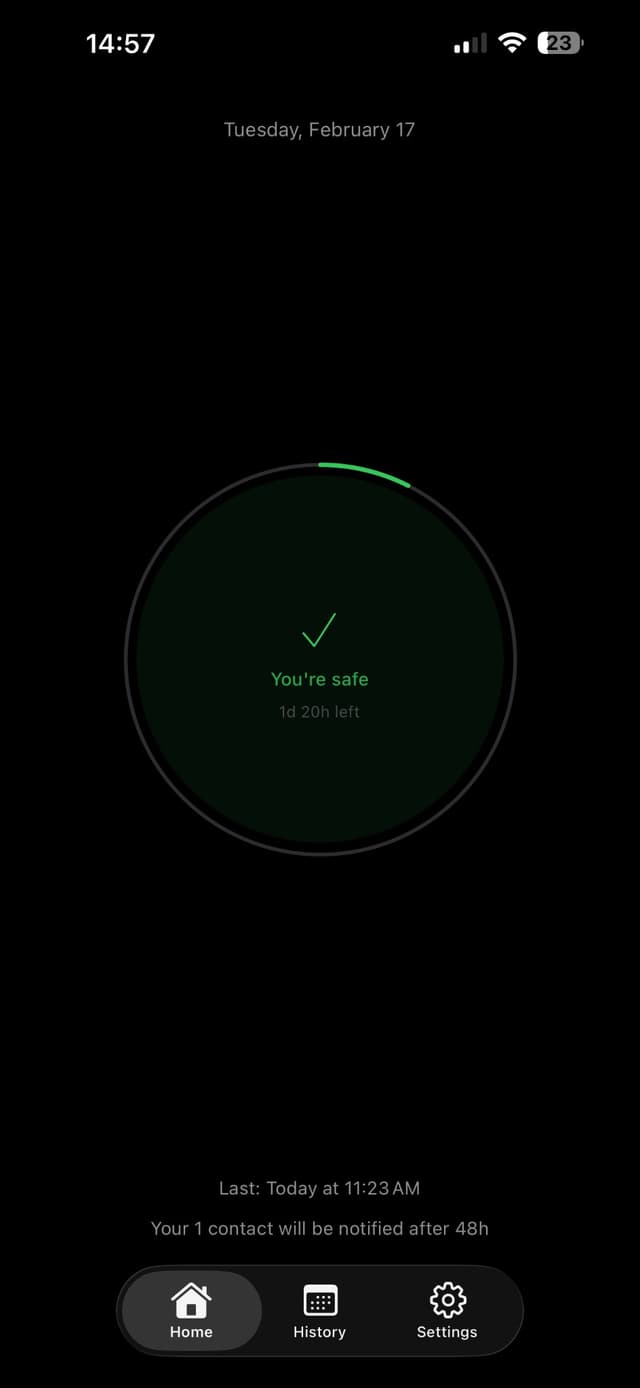
One-tap daily check-in
Visual countdown to your next deadline. One tap and you're done for the day.
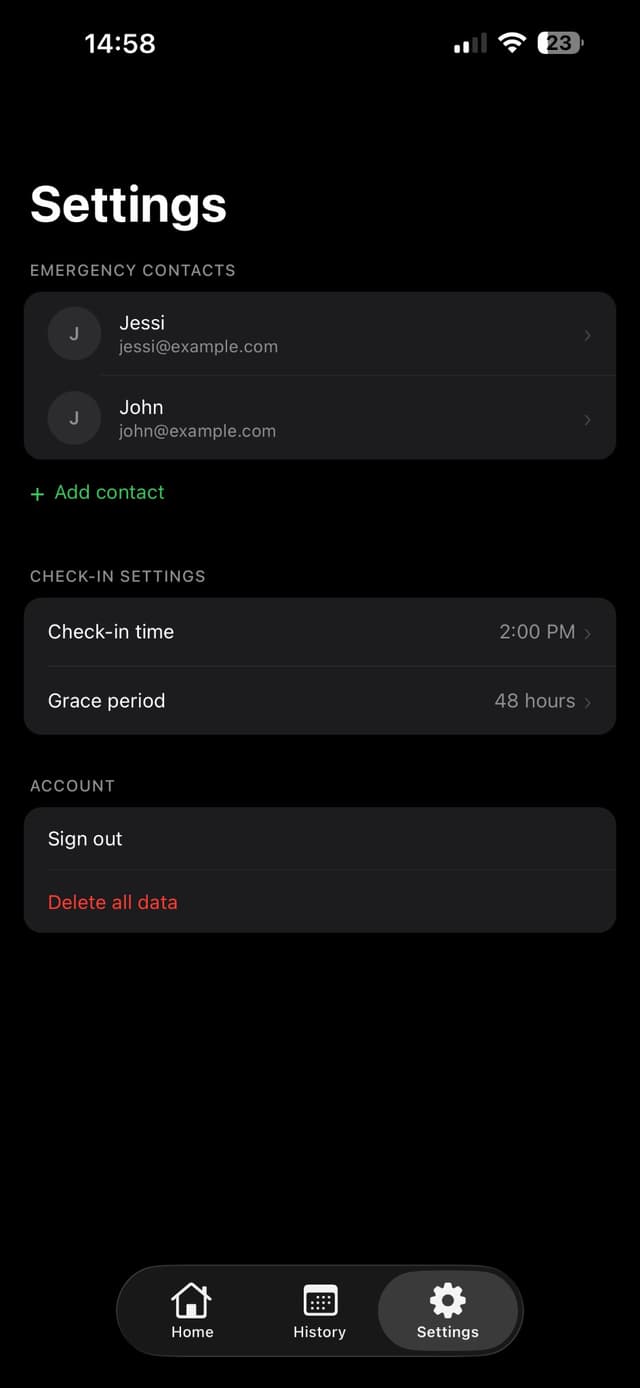
Up to 5 emergency contacts
Notified by email if you miss your check-in — no setup required on their part.
Customizable check-in time
Set the daily deadline that works for your routine.
Adjustable grace period
12, 24, 48, or 72 hours before contacts are alerted.
Push reminders
Notifications when your check-in is about to expire.
Pause mode
For vacations, travel, or any time you need a break.
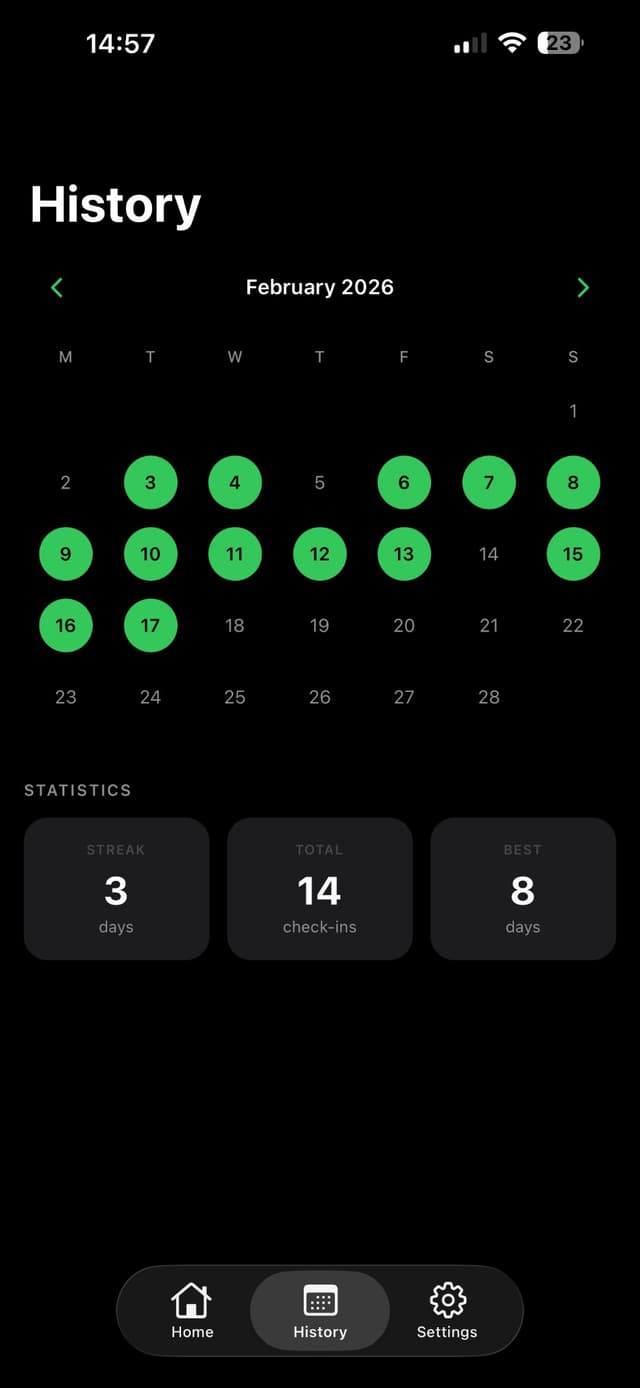
Check-in history
Track your activity over time with a simple calendar view.
Clean dark interface
Minimal design for quick daily use. Sign in with Apple for private auth.
Built for anyone who values a simple safety net
People living alone who want peace of mind
Solo travelers and backpackers
Remote workers in isolated locations
Elderly individuals and their families
Outdoor enthusiasts — hikers, climbers, campers
Anyone who wants a simple safety net
One tap per day. That's it.
Open SoloGuard and tap the check-in circle. Your check-in is valid until your chosen deadline the next day. If you forget, we send reminders. If your grace period expires without a check-in, your emergency contacts receive an email alert with details on when you were last active.
Set your daily check-in time and grace period (12–72h)
Add up to 5 emergency contacts (email only)
If you miss a check-in, they get an email — no app required for them
Peace of mind, one tap
People who live alone, travel solo, or work remotely use SoloGuard to stay connected with their loved ones.
“One tap a day and my family knows I'm okay. No need to explain anything to anyone — it's all automatic.”
“I work from a cabin with spotty signal. Knowing my partner gets an email if I go quiet for 48 hours gives us both peace of mind.”
“When I travel alone, I set my grace period and contacts. If something happens, someone knows. Simple and no location sharing.”
Your safety net, one tap away
Free to download. No location tracking. No data selling. Just a simple daily check-in for peace of mind.
Frequently asked questions
Quick answers about how SoloGuard works